
You’ve probably stood in your backyard, staring at that empty patch of dirt or the overgrown corner, feeling a mix of excitement and total overwhelm. It’s a big project. Landscaping isn’t just about planting flowers; it’s about moving earth, laying stone, and creating a space where you’ll actually want to spend time. But before you call the first landscaper you find on Google, there’s a step most people skip. And honestly? It’s the one that saves them the most headache later on.
Think about it. Would you let a contractor remodel your kitchen without showing them a picture of what you like? Probably not. So why do we treat our yards differently? In 2026, the gap between "I have an idea" and "I can show you exactly what I mean" has vanished. Thanks to a surge in user-friendly, free landscape design software, you don’t need a degree in horticulture or architecture to visualize your dream outdoor space. You just need a laptop, a phone, and a bit of curiosity.
This isn’t about replacing professionals. Far from it. It’s about speaking their language. When you walk into a consultation with a clear visual plan, even if it’s rough, you change the entire dynamic. You stop being a passive customer and start being a collaborator. Let’s dive into why playing around with these free tools is the smartest move you can make before signing any contracts.
The Power of Seeing Is Believing
Let’s be real for a second. Our brains are terrible at translating abstract ideas into physical space. You might think, "I want a patio here and a fire pit there," but until you see it, you won’t realize the fire pit is three feet too close to the fence. Or that the patio blocks the only sunny spot for your morning coffee. This is where free software steps in as your safety net.
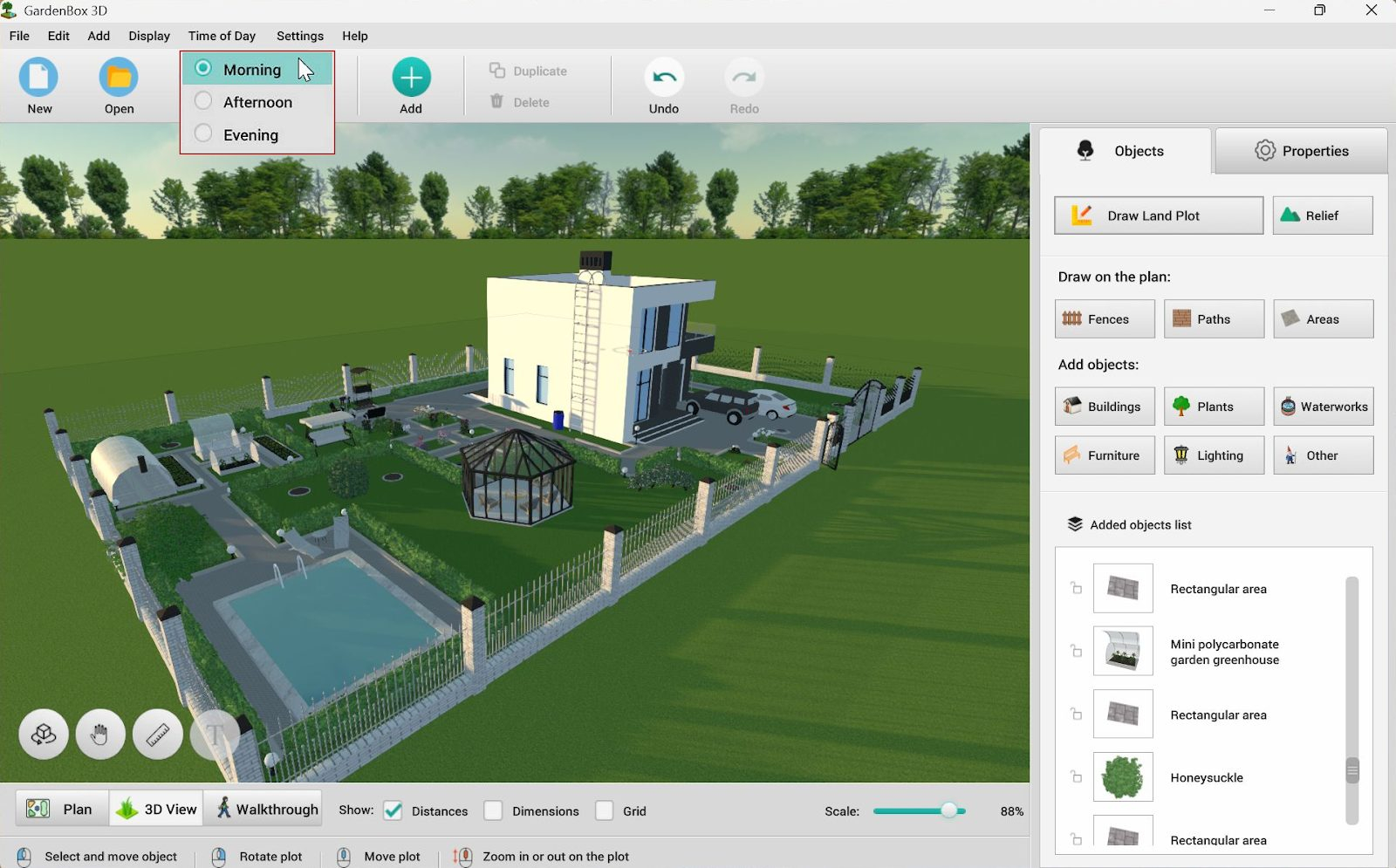
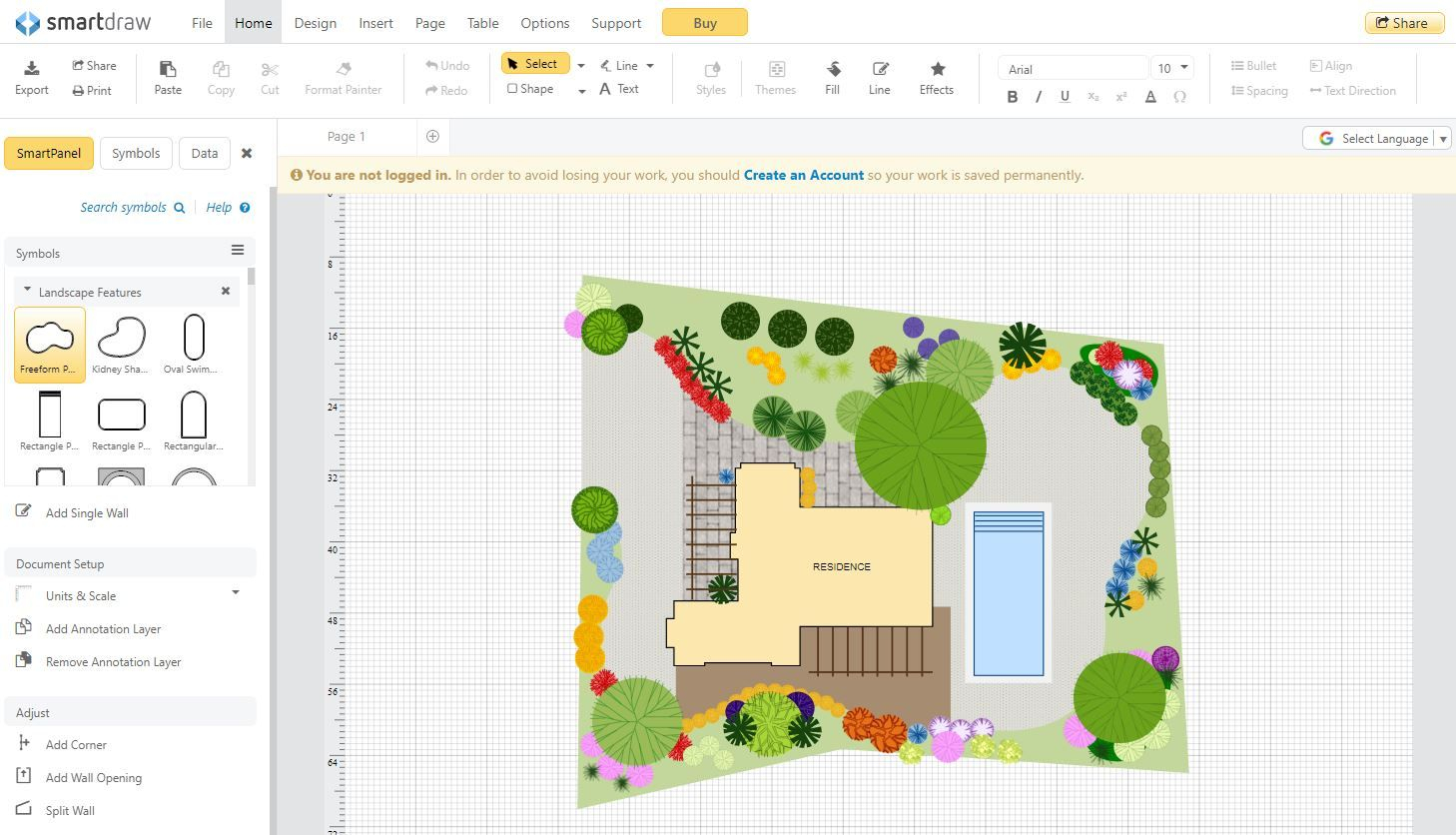
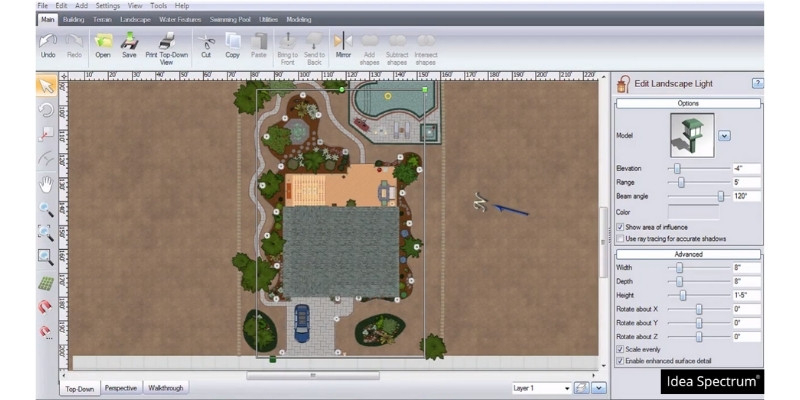
Tools like Planner5D and Coohom have made it incredibly simple to drag and drop elements into a 2D or 3D model. You’re not just guessing anymore; you’re testing. You can try five different layouts in the time it takes to drink a cup of tea. Maybe the first one feels cramped. The second one looks weird from the kitchen window. But the third? The third one clicks. You see the flow. You see how the light hits the pavers in the afternoon. That "aha" moment is priceless, and it costs you nothing but a few minutes of clicking.
It also helps you understand scale. One of the biggest mistakes DIYers and even some pros make is misjudging the size of plants and hardscape features. A tree that looks tiny on a sketch can dominate a yard in ten years. Good software libraries include mature plant sizes, so you can see not just how your yard looks today, but how it will look in 2030. This long-term view prevents those costly "oops, we need to remove that oak tree" moments down the road.
Saving Money Before You Spend a Dime
Landscaping is expensive. Like, really expensive. Between materials, labor, and plants, costs add up fast. But the most expensive part of any project isn’t the shovel hitting the dirt; it’s the change order. You know, when the crew is halfway done and you say, "Actually, can we move that wall two feet to the left?" That’s when budgets explode.
By using free design tools upfront, you iron out these kinks while they’re still digital pixels. Moving a virtual retaining wall takes zero dollars. Moving a real one costs hundreds, maybe thousands. Grand Design Landscape notes that testing ideas before construction reduces mistakes and saves significant time and money. It’s basic risk management. If you can present a finalized concept to your contractor, they can give you a more accurate quote. There’s less room for "unexpected" costs because you’ve already thought through the details.
Plus, it helps you prioritize. When you see the full cost of your dream design laid out in a plan, you might realize you can’t afford everything at once. That’s okay! The software allows you to phase your project. You can design the whole yard but only build the patio this year and the garden beds next year. Having a master plan ensures that phase two fits perfectly with phase one, avoiding the mismatched look that happens when projects are done piecemeal without a guide.
Bridging the Communication Gap
Have you ever tried to describe a color to someone who can’t see it? It’s frustrating. Describing a landscape design is similar. Words like "rustic," "modern," or "natural" mean different things to different people. To you, "natural" might mean wild, untamed native grasses. To a contractor, it might mean irregular flagstone and mulch. This disconnect leads to disappointment.
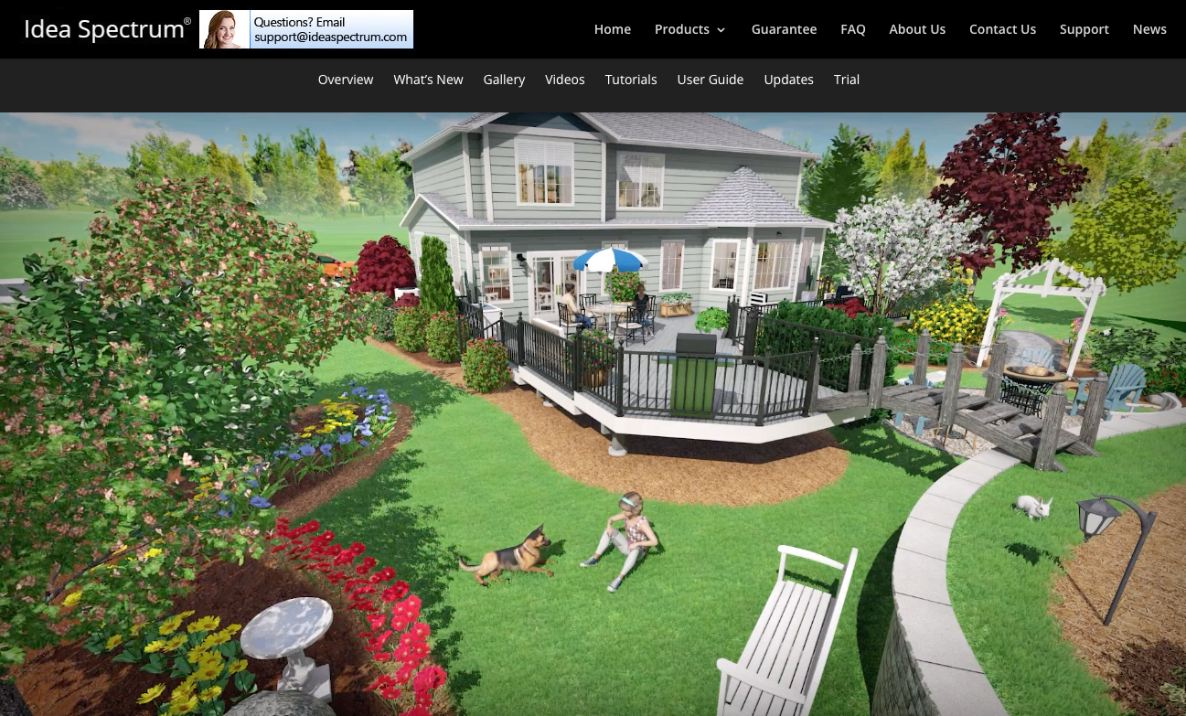
Visuals cut through the noise. When you use a tool like ReimagineHome.ai or a browser-based planner, you create a shared reference point. You’re no longer saying, "I want it to feel cozy." You’re showing a rendering where the seating area is enclosed by tall ornamental grasses and warm lighting. The contractor looks at it and says, "Got it." Suddenly, you’re on the same page.
This clarity speeds up the whole process. Architects and designers love clients who come prepared. It shows you’ve put thought into the project. It respects their time because they aren’t starting from scratch; they’re refining your vision. As noted in recent industry guides, this improves communication significantly. Instead of spending the first three meetings trying to figure out what you want, you can spend them discussing feasibility, soil types, and material choices. The conversation shifts from "What do you like?" to "How do we make this work?"
Knowing What You Actually Want (And Don’t)
Sometimes, the best thing a design tool does is help you realize what you don’t want. We all have Pinterest boards full of beautiful gardens that look nothing like our actual yards. A steep slope in Colorado doesn’t behave like a flat lawn in Florida. Free software forces you to confront the reality of your specific space.
You might start out thinking you want a huge water feature. But after modeling it, you see it takes up half the usable yard space. Or you realize the maintenance icons in the software suggest it requires weekly cleaning. Do you really want that? Maybe not. Maybe you’d rather have a low-maintenance rock garden. The software lets you fail safely. You can try out that trendy curved driveway, see how awkward it makes parking, and scrap it before you pour concrete.
This exploration phase is crucial for defining your lifestyle needs. Do you need space for kids to run? A quiet corner for reading? A spot for grilling? Dragging and dropping these zones into your plan helps you balance competing needs. You might find that sacrificing a bit of lawn space gives you the perfect dining terrace. These trade-offs are easier to make on a screen than in real life. It empowers you to make choices based on function and aesthetics, not just impulse.
Picking the Right Tool for the Job
Not all free software is created equal. In 2026, the market is flooded with options, from simple 2D plotters to AI-driven visualizers. Choosing the right one depends on your tech comfort level and your project’s complexity. For beginners, browser-based tools like Planner5D are fantastic. They require no download and use intuitive drag-and-drop interfaces. You can switch between 2D and 3D views instantly, which helps keep your spatial awareness sharp.
If you’re more visually oriented, AI tools like ReimagineHome.ai offer a different approach. You upload a photo of your current yard, and the AI overlays new designs onto it. This is great for seeing curb appeal or testing planting schemes on your actual house facade. It’s less about precise measurements and more about vibe and aesthetic fit. It’s a quick way to see if a certain style complements your home’s architecture.
For those who want more control, tools listed on sites like SourceForge or OutdoorBrite offer deeper features. Some allow you to input exact dimensions, account for slopes, and even simulate sunlight throughout the day. These might have a steeper learning curve, but the payoff is a more technical plan. The key is to start simple. Don’t get bogged down trying to learn complex CAD software if you just want to place a few flower beds. Pick a tool that feels fun, not like homework. If you’re struggling with the interface, switch. There are plenty of fish in the sea.
Here’s the truth: free software has limits. It won’t calculate soil drainage coefficients or tell you if a local zoning law prohibits a fence of that height. It won’t replace the expertise of a licensed landscape architect who understands native plant ecosystems and structural engineering. And that’s fine. The goal isn’t to do their job for them; it’s to prepare for their job.
When you hire a pro after doing your own digital drafting, you’re hiring them for validation and execution. You’re asking, "Is this possible? Is this safe? How do we build it efficiently?" This shifts their role from mind-reader to problem-solver. It can also lower their design fee. Many designers charge by the hour for conceptual work. If you bring a solid concept, they might charge a flat fee for review and technical drawings instead.
However, be open to feedback. Your designer might look at your perfect 3D model and say, "That tree won’t survive here," or "That grade is too steep for pavers." Listen to them. Use your design as a starting point for collaboration, not a rigid mandate. The best outcomes happen when your vision meets their expertise. You bring the creativity and preference; they bring the science and experience. Together, you create something better than either could alone.
So, before you pick up the phone to call a landscaper, spend a weekend playing with these free tools. Sketch out your dreams. Make mistakes. Move walls. Plant virtual trees. You’ll gain confidence, clarity, and a clearer budget. And when you finally do meet with a pro, you’ll walk in with a plan, not just a hope. That’s a powerful place to start.